
Did you know if you live in the UK, there is actually a place to download eBooks, eAudiobooks, eMagazines, and eNewspapers FOR FREE?
(Well you actually pay for it; it’s where your taxes go. Use it wisely.)
What do you need to access free eBooks?
1. Your permanent library card number, and your pin.
That’s it.
Get your library card
Oh, you don’t have a library card?
Not a problem. Here is a guide of ‘How to get a Library Card in the UK?’.
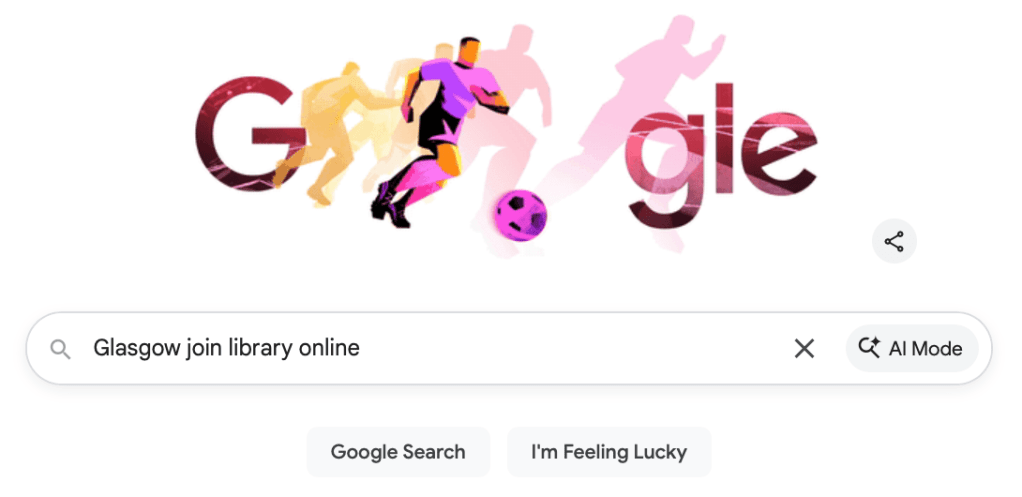
1. Search – ‘Your council’ join library online
For example, if you are living in Glasgow, search – Glasgow join library online; if you are in Leeds, search – Leeds join library online. How about if you are in Manchester? That’s right, search – Manchester join library online.
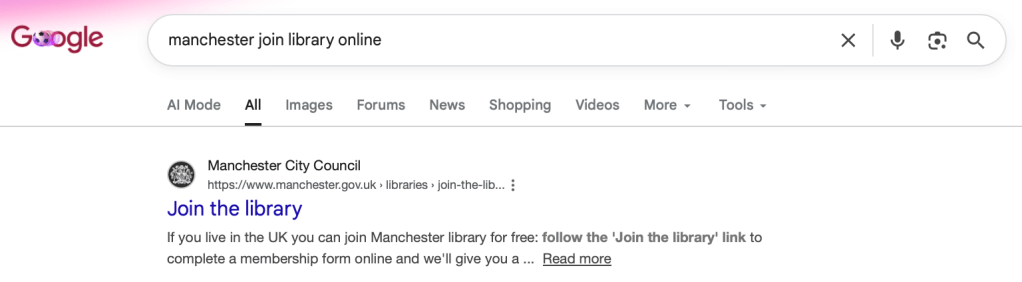
2. The first result is usually your local library website.
To be a savvy media consumer, always check if there’s usually a ‘gov.uk‘ at the end of the website. It means it’s an official UK government website, and not a scam.
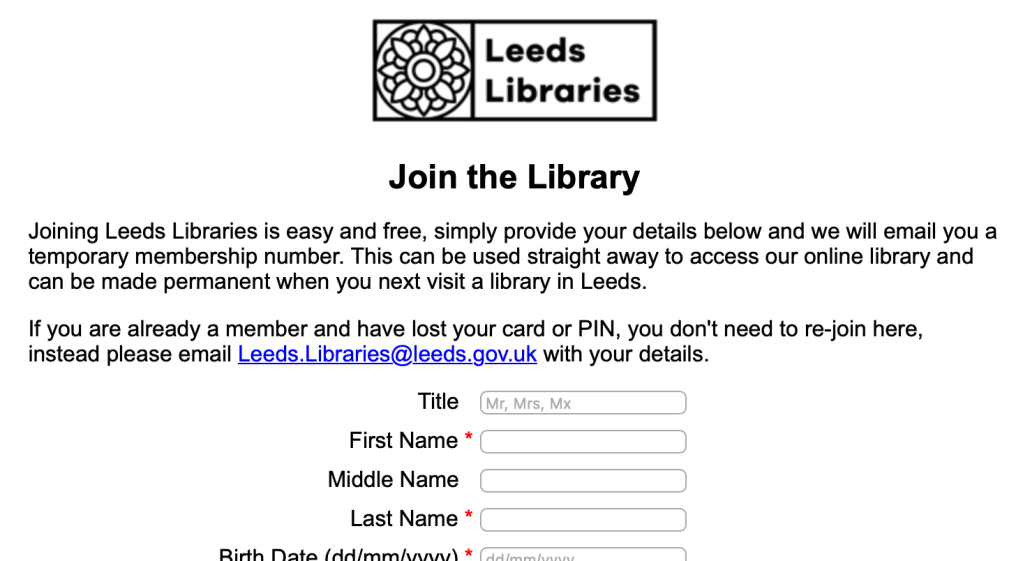
3. Fill in the library online form.
Library usually needs to collect your Personal details, Login details, Residential address, and Contact details.
Done! Now you have a temporary library account number!
🔔 Remember 🔔
To get your permanent library card, you need to confirm your identity in the nearest library with your ID, and an official letter which has your name and address.
Get free e-books on BorrowBox
So, now we get back to the main point. Where can we find free e-book online?
BorrowBox is a digital library app that allows you to borrow eBooks, eAudiobooks, eMagazines, and eNewspapers, FOR FREE! (If you have a permanent library card.) You can use it on a smartphone, tablet, or e-reader.
So, you can download the app but if you want to use it on their website:
1. Search – ‘Your council’ Borrowbox.
For example, if you are living in Glasgow, search – Glasgow Borrowbox.
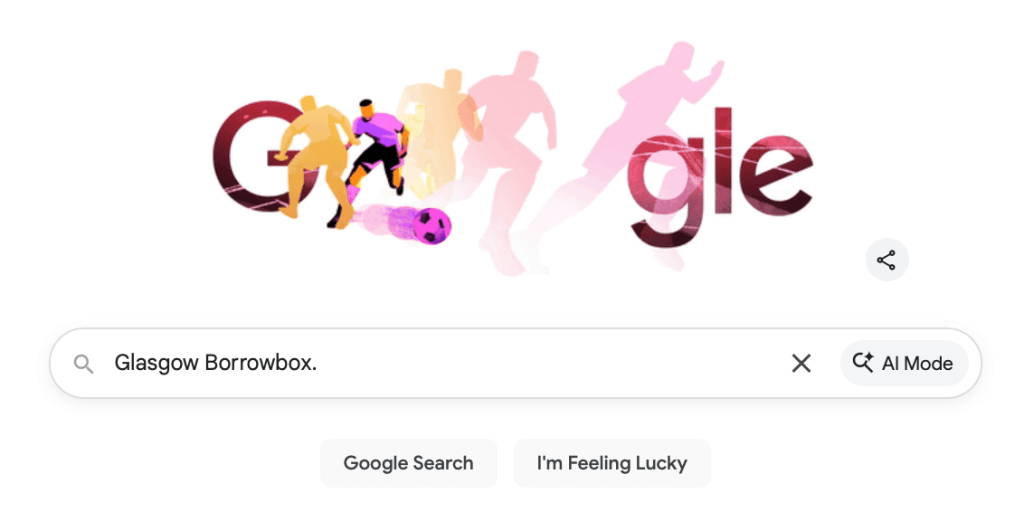
2. The first result is usually your local library BorrowBox website.
The title is usually ‘Your council’ Libraries – BorrowBox’
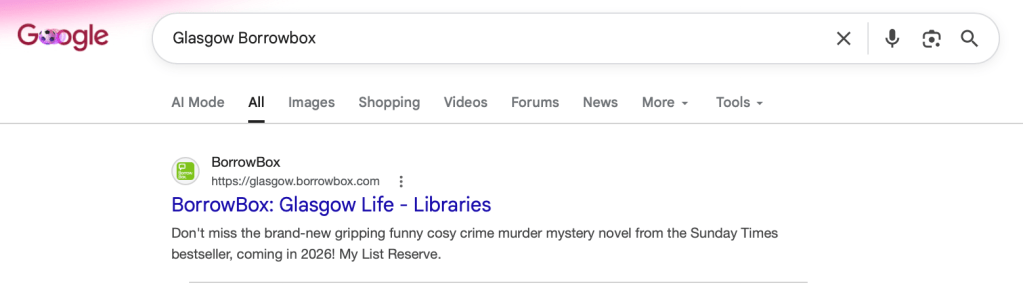
3. Click on it and see if there is your council name on the upper left of the website.
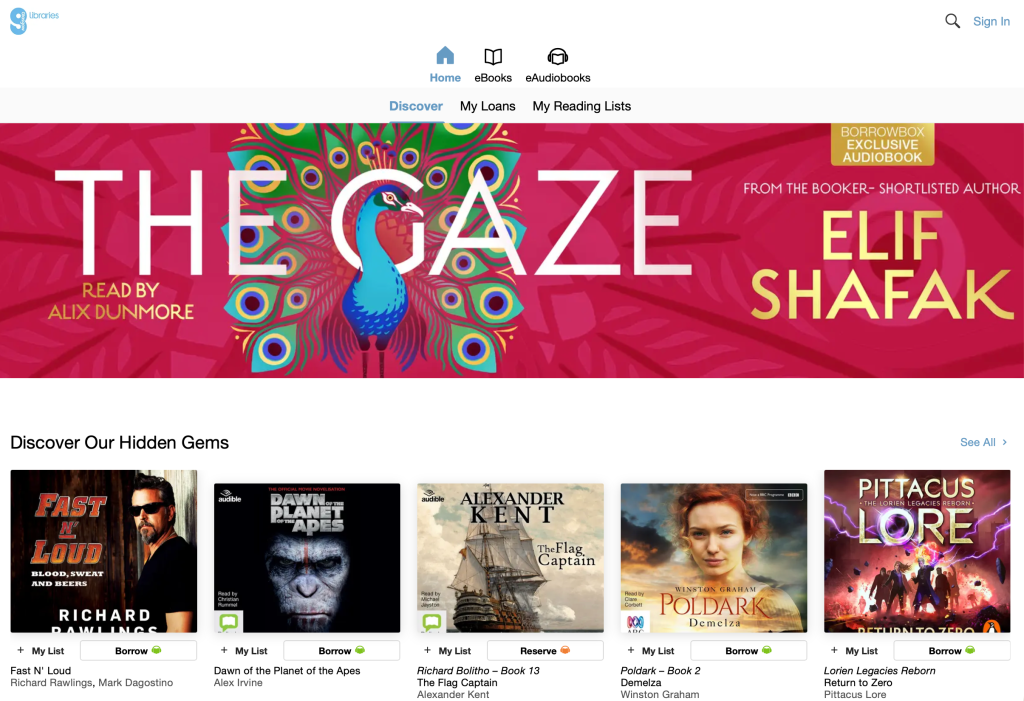
4. Remember your permanent library card number? Use your permanent library card number and pin to sign in the BorrowBox.
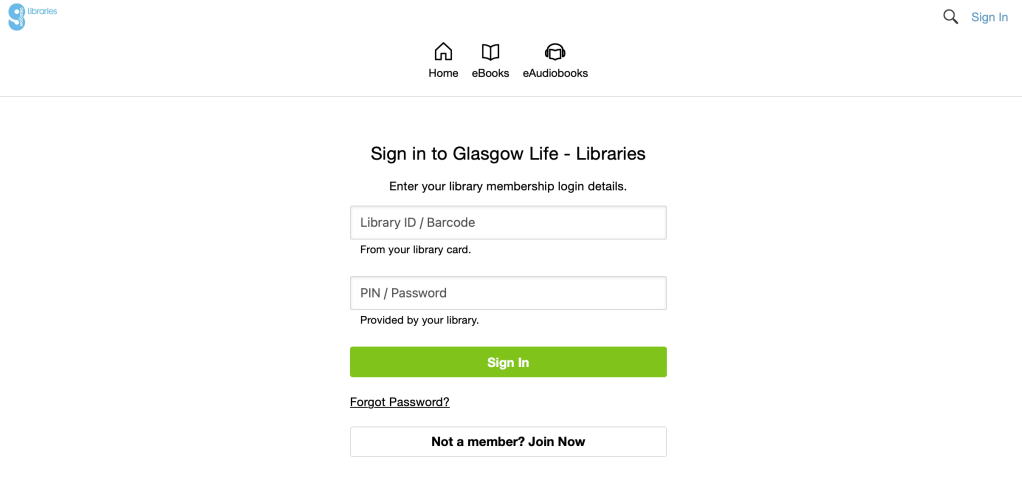
That’s it! Welcome and now you just open a new world for yourself to see.
Try click on the Borrow 📖 button to borrow a free e-book, e-audiobooks, e-magazines, or e-newspapers!
Enjoy!
Now, find a good spot, bring a cuppa, and enjoy the reading together!


Leave a Reply